

Best picks
Best OK-to-Wake Clocks
MELLA, Hatch Baby and Model Differences
Choose an OK-to-wake clock by its light cues, nap settings, locks and offline controls. Compare MELLA and Hatch Baby, with Groclock and older Hatch explained.
By thisHUSH EditorialUpdated November 2, 20268 min read2 picks
Our recommendation: LittleHippo MELLA
Best without an app
Limit: The lock slider protects programming, but volume and display brightness remain adjustable, and holding the hat can dismiss the yellow or green cue.
On this page · Our picks at a glance
Our picks at a glance
- 1
Choose for: Best without an app
Limit: The lock slider protects programming, but volume and display brightness remain adjustable, and holding the hat can dismiss the yellow or green cue.
- 2
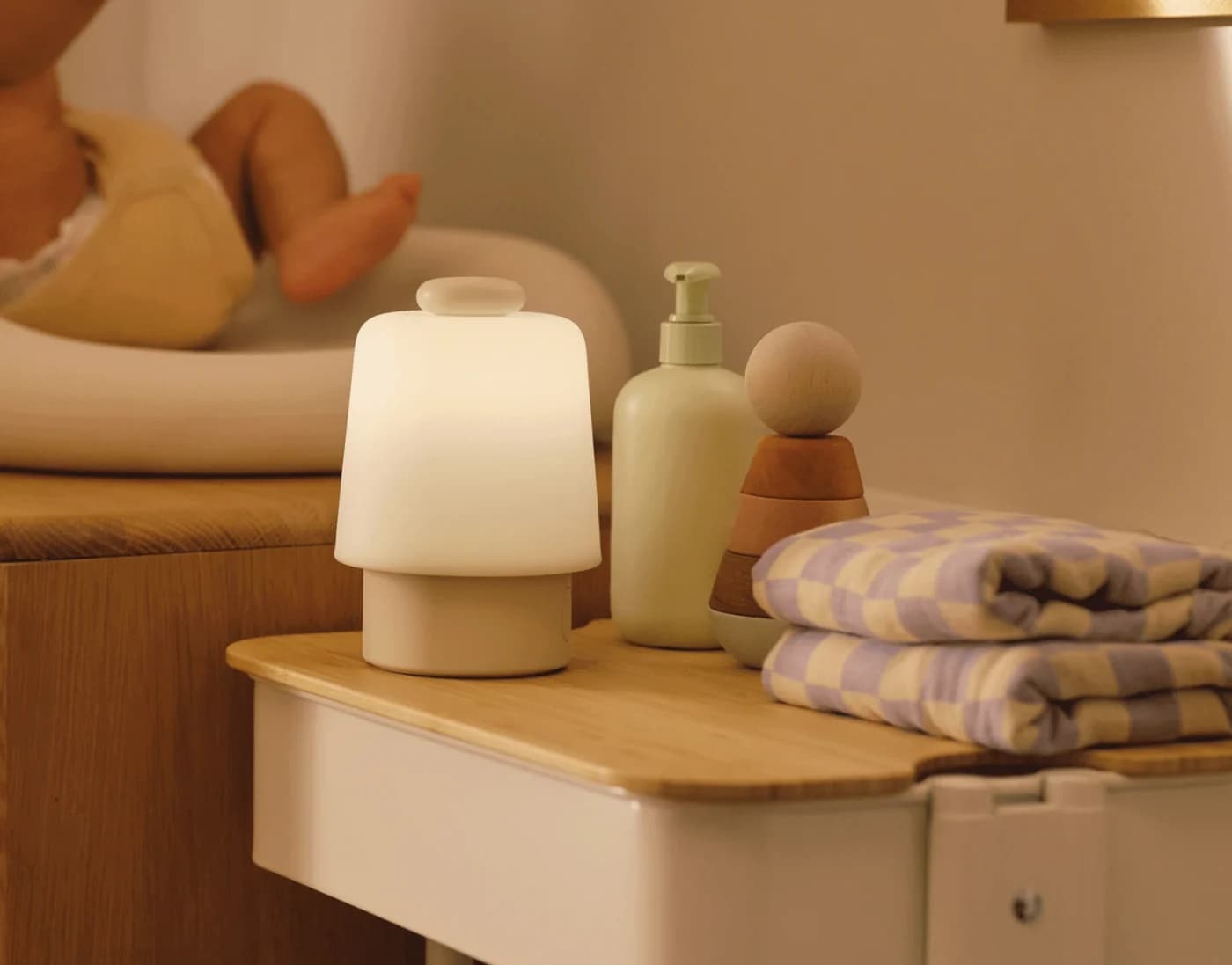
Choose for: Best for app schedules
Limit: It requires 2.4 GHz Wi-Fi.
About this guide
thisHUSH covers comfort, quiet and air-quality gear, not health. Nothing on this site is medical advice: for sleep, breathing or hearing concerns, talk to a doctor.
Choose LittleHippo MELLA if you want an OK-to-wake clock you can set entirely on the clock: it has an optional yellow pre-wake light, a green wake cue and a separate nap countdown. Choose Hatch Baby if you prefer setting sound and light schedules in an app, including Time-to-Rise cues that do not require Hatch+.
Quick picks
- Best without an app — LittleHippo MELLA. Our default choice for parents who want the settings on the device.
- Best for app schedules — Hatch Baby. Choose it for app-created routines with different sound and light steps.
Availability matters: Tommee Tippee's US Groclock listing is marked unavailable in its page data. PlayMonster's remaining OK To Wake page does not establish a current purchasable Mirari model. They appear below as comparison and identification help, rather than buy picks. Documentation checked November 2, 2026.
Compare cues, naps and power
MELLA
- Programming
- Bottom control panel
- Night → pre-wake → wake
- Closed eyes, optional night light → optional yellow → smiling face and green
- Nap provision
- Separate countdown; green light or audible alarm at the end
All specifications
- Without outlet power
- Coin battery preserves basic settings; cannot operate the clock
Hatch Baby
- Programming
- Hatch app; physical playback and light controls
- Night → pre-wake → wake
- Time-for-Bed → configurable light/sound steps → Time-to-Rise
- Nap provision
- App sound/light schedules with a chosen duration
All specifications
- Without outlet power
- No battery backup
Groclock, linked US/Canada manual
- Programming
- Clock buttons; activate each sleep session
- Night → pre-wake → wake
- Countdown icons → no separate pre-wake stage described → sun
- Nap provision
- Separate stored daytime wake time
All specifications
- Without outlet power
- Settings freeze; elapsed time is lost
Mirari OK to Wake!
- Programming
- Current model not verified
- Night → pre-wake → wake
- Historical maker documentation describes a green get-up cue
- Nap provision
- Current specification not verified
All specifications
- Without outlet power
- Current specification not verified
Full comparison table
Swipe to compare. Row labels stay visible.
| Clock | Programming | Night → pre-wake → wake | Nap provision | Without outlet power |
|---|---|---|---|---|
| MELLA | Bottom control panel | Closed eyes, optional night light → optional yellow → smiling face and green | Separate countdown; green light or audible alarm at the end | Coin battery preserves basic settings; cannot operate the clock |
| Hatch Baby | Hatch app; physical playback and light controls | Time-for-Bed → configurable light/sound steps → Time-to-Rise | App sound/light schedules with a chosen duration | No battery backup |
| Groclock, linked US/Canada manual | Clock buttons; activate each sleep session | Countdown icons → no separate pre-wake stage described → sun | Separate stored daytime wake time | Settings freeze; elapsed time is lost |
| Mirari OK to Wake! | Current model not verified | Historical maker documentation describes a green get-up cue | Current specification not verified | Current specification not verified |
| Clock | Programming | Night → pre-wake → wake | Nap provision | Without outlet power |
|---|---|---|---|---|
| MELLA | Bottom control panel | Closed eyes, optional night light → optional yellow → smiling face and green | Separate countdown; green light or audible alarm at the end | Coin battery preserves basic settings; cannot operate the clock |
| Hatch Baby | Hatch app; physical playback and light controls | Time-for-Bed → configurable light/sound steps → Time-to-Rise | App sound/light schedules with a chosen duration | No battery backup |
| Groclock, linked US/Canada manual | Clock buttons; activate each sleep session | Countdown icons → no separate pre-wake stage described → sun | Separate stored daytime wake time | Settings freeze; elapsed time is lost |
| Mirari OK to Wake! | Current model not verified | Historical maker documentation describes a green get-up cue | Current specification not verified | Current specification not verified |
The Groclock row deliberately follows its linked manual, which differs from the current US product and support descriptions. Resolve the version before treating those features as a shopping checklist.
Best without an app: LittleHippo MELLA
MELLA is our first choice for a self-contained cue clock. Its manual puts all programming on the bottom control panel. The US product page specifies a Type A wall adapter; the support page links the current Version 2.0 manual, including English instructions.
The useful distinction is the optional waiting period. Set it to 5, 15 or 30 minutes, or switch it off. Green lasts one hour after the wake time unless dismissed. At bedtime, the face closes its eyes; the night light can turn on with the bedtime setting. That gives you this sequence:
Bedtime
Closed eyes; optional night light at the programmed sleep time.
Before wake time
Optional yellow light for 5, 15 or 30 minutes: the waiting cue.
Wake time
Smiling face and green light; green switches off after one hour unless dismissed earlier.
For a nap, choose a countdown from 15 to 180 minutes using the listed presets, then choose a green light or an audible alarm at the end. This is a duration timer, useful when a nap starts at a different time each day. It is separate from the overnight sleep/wake settings.
There are eight display brightness levels and three night-light brightness choices. LittleHippo's FAQ says newer models can dim the clock display to black. The lock slider protects programming, but volume and display brightness remain adjustable, and holding the hat can dismiss the yellow or green cue. Choose another location if accessible controls would undermine your intended routine.
Two documentation conflicts deserve attention. The product page's promotional copy says three sleep sounds, while its sound-machine section and Version 2.0 manual list six. The FAQ says newly programmed functions initially switch off; the manual says the sleep trainer switches on by default, then also tells you to check it is enabled. Verify the sun/moon icon after setup rather than relying on either default description.
Best for app schedules: Hatch Baby
Hatch Baby suits parents who prefer editing routines from a phone. Its schedule guide lets you choose sound/light combinations, duration and multiple steps. Use a separate light step if you want a waiting cue; MELLA's preset yellow stage is the simpler choice if you want that behavior already defined.
Hatch
Hatch's nursery sound machine and night light, the successor to the Hatch Rest, with a big top button, app control over Wi-Fi, Time-for-Bed and Time-to-Rise light cues and three months of Hatch+ included.
Check package and model options
It requires 2.4 GHz Wi-Fi. Hatch says it can work offline for short periods, but recommends a consistent connection for reliable schedules. Read that as limited offline tolerance; the maker does not promise permanently offline scheduling. It has no battery backup and switches off when unplugged.
The controls guide separates everyday use from programming: press the big button to cycle favorites, rotate it for volume, and use dedicated night-light and brightness buttons. Child Lock leaves the night-light button active. Clock-display settings in the app allow brightness adjustment, hiding the time and choosing when it appears. For naps, the documented route is an app schedule with a duration, rather than MELLA's dedicated nap button.
Basic lights, sounds and Time-to-Rise/Time-for-Bed cues remain without Hatch+. The product FAQ says the included three months will not auto-renew; Hatch's general subscription terms say an activated trial starts a paid, renewing subscription afterward. Check what you enroll in at setup, even if you only want the basic cues.
Hatch names: Baby, Rest and Rest+ are different
For a new purchase, Hatch directs nursery buyers to Baby: its support notices say it no longer manufactures or sells Rest 2nd Gen or Rest+ 2nd Gen. “Hatch Rest Plus” is therefore a model-identification search, not a reason to assume the older hardware is current.
The distinction matters for power. Hatch's battery guide lists a battery and charging base for Rest+ 2nd Gen, while Rest 2nd Gen needs plugged-in power. Hatch Baby also needs plugged-in power. Do not carry the older Plus model's portability across to Baby, or apply one generation's button instructions to another.
For adult wake-up lights, start with our sunrise alarm clock guide. For a wider sound-machine shortlist, use our white noise machine guide.
Groclock: check the US version before buying
Groclock has useful distinctions on paper, but the current documentation does not describe one unambiguous package. The US listing gives product code 499051, describes USB power and says display brightness can go down to off. Its page data marks the variant unavailable; that establishes the maker's listing status, not stock elsewhere or discontinuation.
The US support page describes Ollie the Owl and says a USB wall plug is not included. Yet its linked US/Canada manual describes countdown icons and a sun, an included AC adapter and a different power specification. The support page says colored lights turn off one hour after wake time; that manual says the sun stays displayed for two hours. Confirm the exact pack and matching manual before ordering.
For owners of the version described in that manual, it stores separate night and daytime wake times, but requires activating the chosen mode each bedtime or nap. You set the wake time, not an automatic bedtime. Its key lock releases at wake time. These details make it a different workflow from MELLA's programmed bedtime and Hatch's app schedules.
Mirari OK to Wake!: identification help
PlayMonster's historical announcement describes the green get-up cue. Its rules index lists OK to Wake! Alarm Clock & Night-Light, OK to Wake! Owl with Night-Light and Music, and Teach Me Time! Talking Alarm Clock & Night-Light separately. Those names should not be treated as interchangeable models.
We could not verify a current purchasable clock from the maker's remaining OK To Wake page, and its linked clock manual returned no usable text. We therefore leave battery, nap and lock specifications unconfirmed rather than borrowing them from another Mirari product. Existing owners should match the label to the exact manual title in that index.
Buying guide: controls, power and placement
A memory battery is not an operating battery. MELLA must be plugged in; its CR2032 cell preserves basic settings. Hatch Baby has no backup battery. Groclock support says power loss freezes even the main time: after an outage, reset the clock to account for the time it lost.
- Partly: MELLA: memory preserved by its coin cell; outlet power still required.
- No: Hatch Baby: no battery backup for continued operation.
- No: Groclock: settings freeze without power; correct the clock afterward.
Decide what a nap setting should mean. Prefer MELLA for a countdown started when the nap begins. The linked Groclock manual instead stores a daytime wake time, which you activate for each session. Prefer Hatch Baby if you want to build the nap's sound and light steps in the app. Check which controls remain active under the lock before placing any clock within reach.
Follow the maker's age and placement instructions. LittleHippo recommends MELLA's trainer function from age two, when children begin learning colors; it describes earlier use as a light/sound machine. Its manual says to keep new and used coin batteries away from children and stop using the product if the battery compartment will not close securely. The Groclock manual says the product is not a toy and to keep the clock, power unit and lead out of children's reach.
Hatch says to place Baby at least 3 feet from the baby's sleep space, with cords out of reach, never perched on the crib. Its suggested starting settings are 30% sound and 35% light; its volume check is being able to talk at arm's length without raising your voice. These are Hatch's settings and guidance, not measured loudness limits or universal percentages for other brands.
How we choose
We compared official product pages, current support instructions and linked manuals, focusing on cue sequences, programming, nap behavior, locks, dimming and power. These recommendations come from documentation research; we have not physically evaluated the clocks. A feature list does not establish how a particular child will respond.
MELLA and Hatch Baby are the buying recommendations because their maker pages offer identifiable current products. Groclock's availability and conflicting package descriptions, and Mirari's unverified current model, keep them in the comparison sections. We preserve those uncertainties instead of turning historical specifications into current buying claims. Our broader editorial method is on How we choose.
Verdict
Get MELLA for programming on the clock, a defined yellow-to-green sequence and a separate nap countdown. Get Hatch Baby for app-created sound and light schedules, provided its Wi-Fi and outlet requirements fit your room. For Groclock, confirm the package and manual first; for Mirari, establish a current exact model before buying on the strength of an old feature list.
Frequently asked questions
What is the best OK-to-wake clock without an app?
Our pick is LittleHippo MELLA: you program its settings on the bottom control panel, including bedtime, wake time and a separate nap countdown. Its optional yellow light precedes the green wake cue. Choose it if you want to change settings on the clock; its coin battery preserves memory rather than powering the lights.
Does Hatch Baby need a subscription for OK-to-wake?
No. Hatch says basic lights and sounds, Time-to-Rise and Time-for-Bed cues remain available without Hatch+. The included content access lasts three months. Its product FAQ says this will not auto-renew, while its general terms say an activated subscription trial becomes a renewing paid plan. Check the enrollment terms you accept.
Are Hatch Rest, Rest Plus and Hatch Baby the same?
No. Hatch no longer manufactures or sells Rest 2nd Gen or Rest+ 2nd Gen and directs buyers to Hatch Baby. Rest+ 2nd Gen has a battery and charging base; Rest 2nd Gen and Hatch Baby require plugged-in power. Match the exact model before using instructions or comparing portability.
Will these clocks keep working during a power outage?
MELLA needs external power; its coin battery preserves basic settings. Hatch Baby has no battery backup. Groclock support says its settings freeze without power, so the clock loses the elapsed time and needs resetting afterward. Memory retention and continued operation are different requirements: choose according to which one you actually need.
Best without an app
LittleHippo MELLA
Related guides
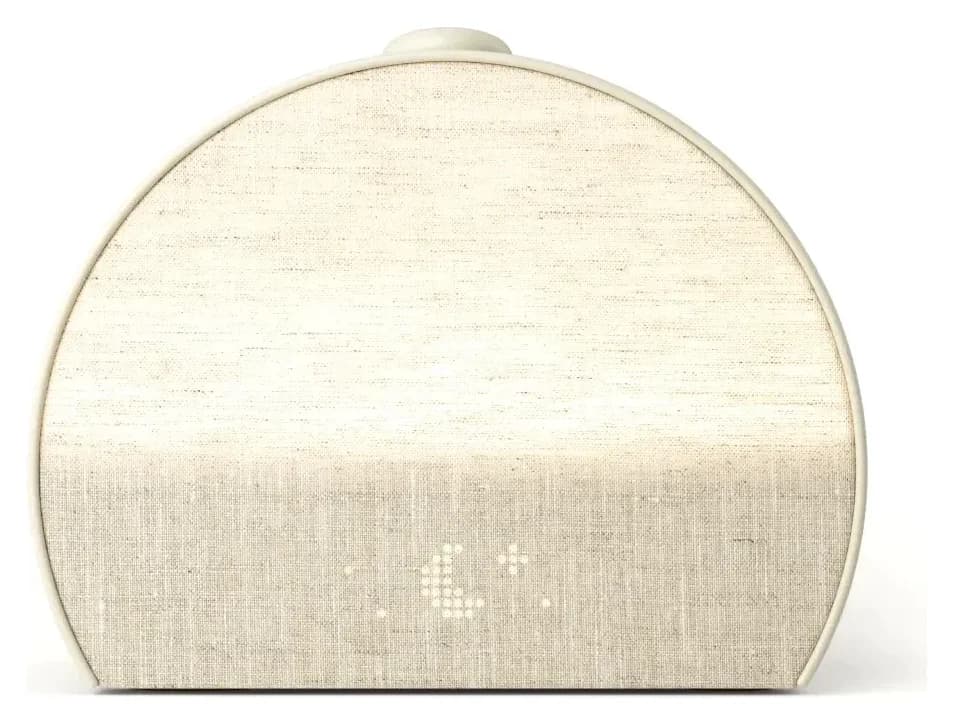
Hatch Restore 3: Setup, Hatch+ and What Works Without a Membership
See what Hatch Restore 3 keeps without Hatch+, how its required setup trial and cancellation work, and when Lumie, Loftie or Philips is a better fit for you.
Updated November 2, 2026Read
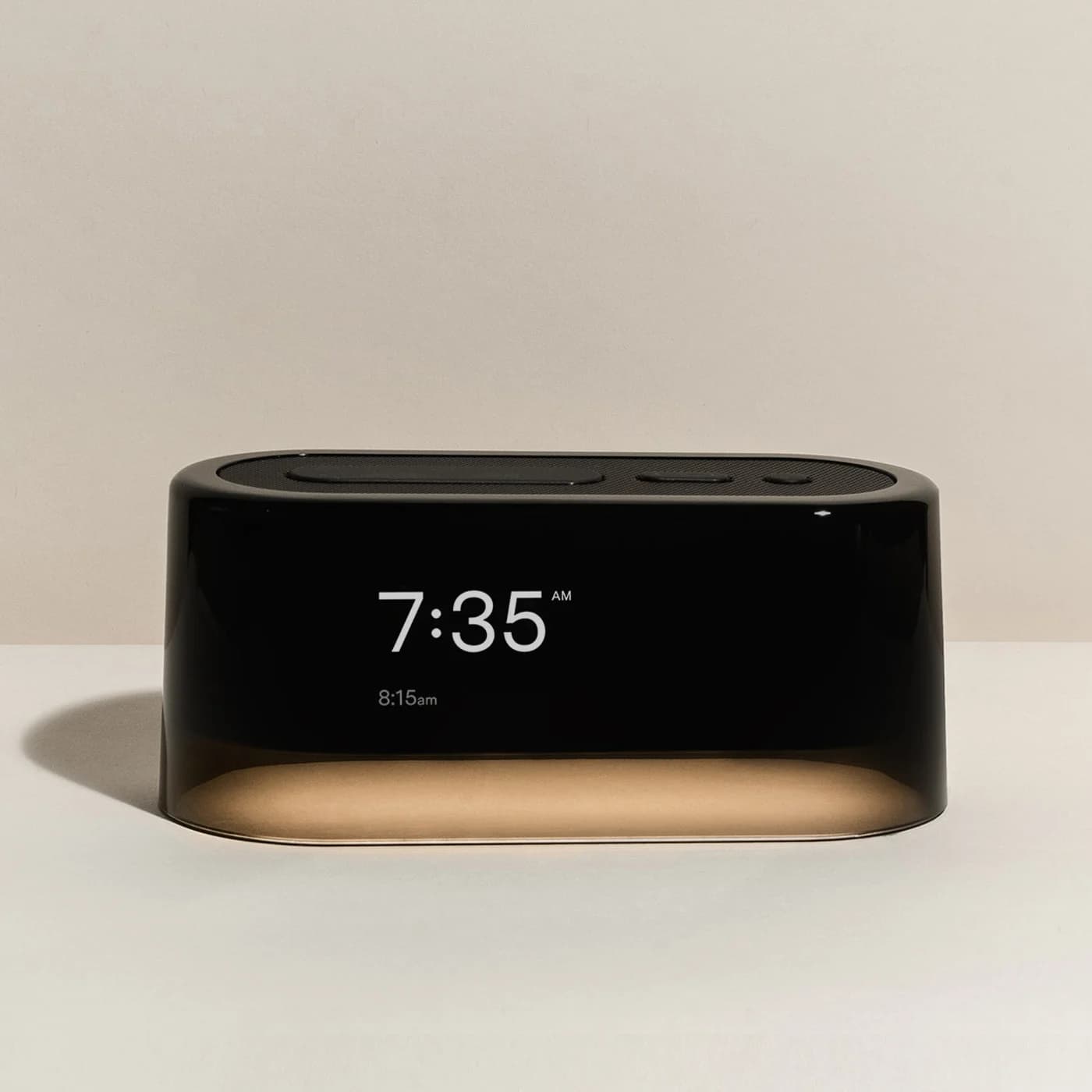
Alarm Clocks for Heavy Sleepers: Loud, Bed-Shaker and Get-Up-to-Stop Picks
Choose an alarm clock for heavy sleepers by what you miss: sound, vibration or getting out of bed. Compare Sonic Bomb, Clocky, travel and sunrise options.
Updated November 2, 2026Read
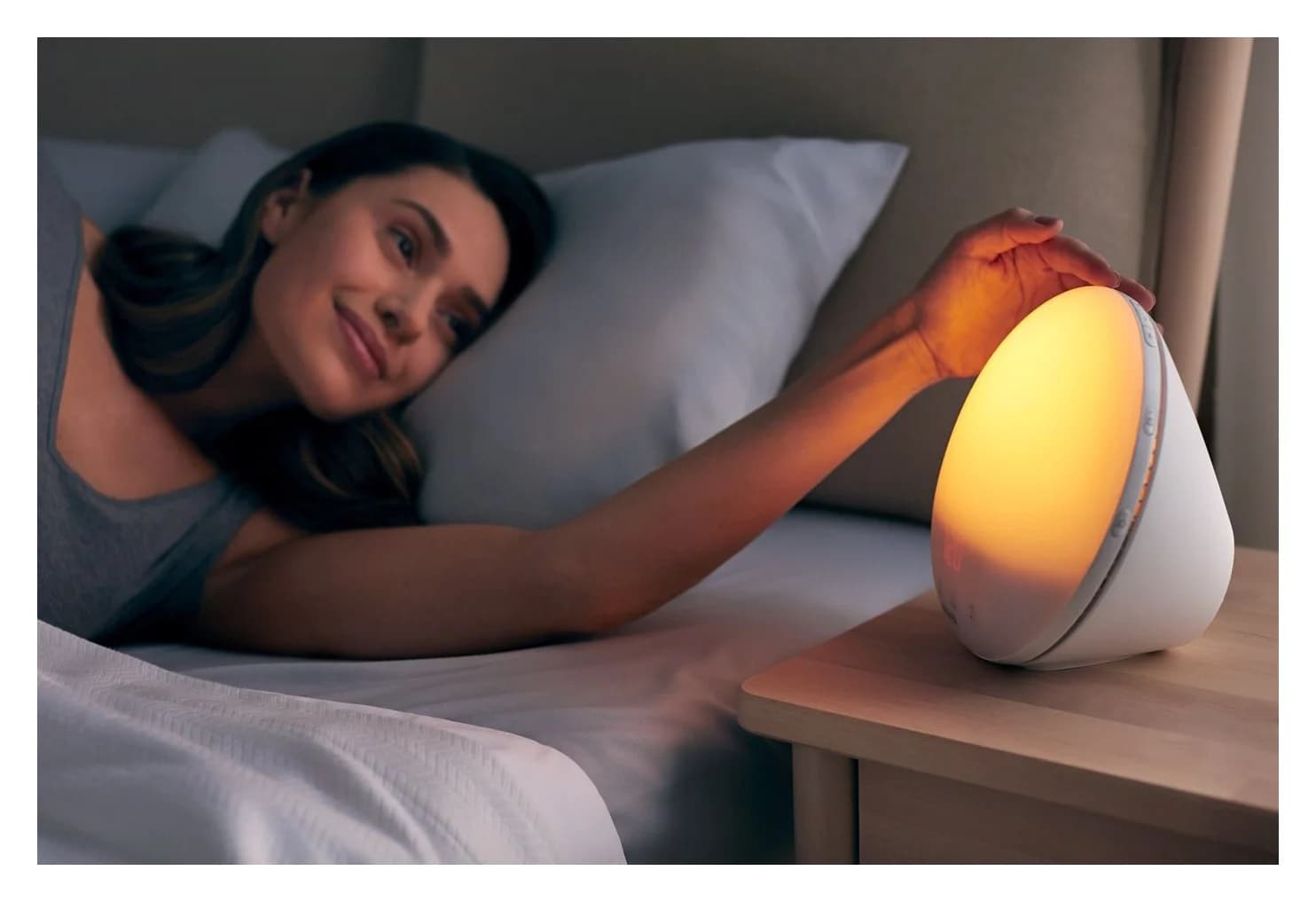
Best Sunrise Alarm Clocks: Hatch Restore 3 vs Loftie vs Philips vs Lumie
Sunrise alarm clocks compared on what you'll live with: sunrise length, light, sounds, radio, power-cut backup, and whether you need an app or a subscription.
Updated November 2, 2026Read