

Best picks
Best Sound Machines for Baby
Lights, Buttons and Battery Power
Choose a baby sound machine by its night controls, light, app access and power needs. Compare Hatch Baby, Hushh 2 and LectroFan alternatives before buying.
By thisHUSH EditorialUpdated November 3, 20268 min read2 picks
On this page · Our picks at a glance
Our picks at a glance
- 1
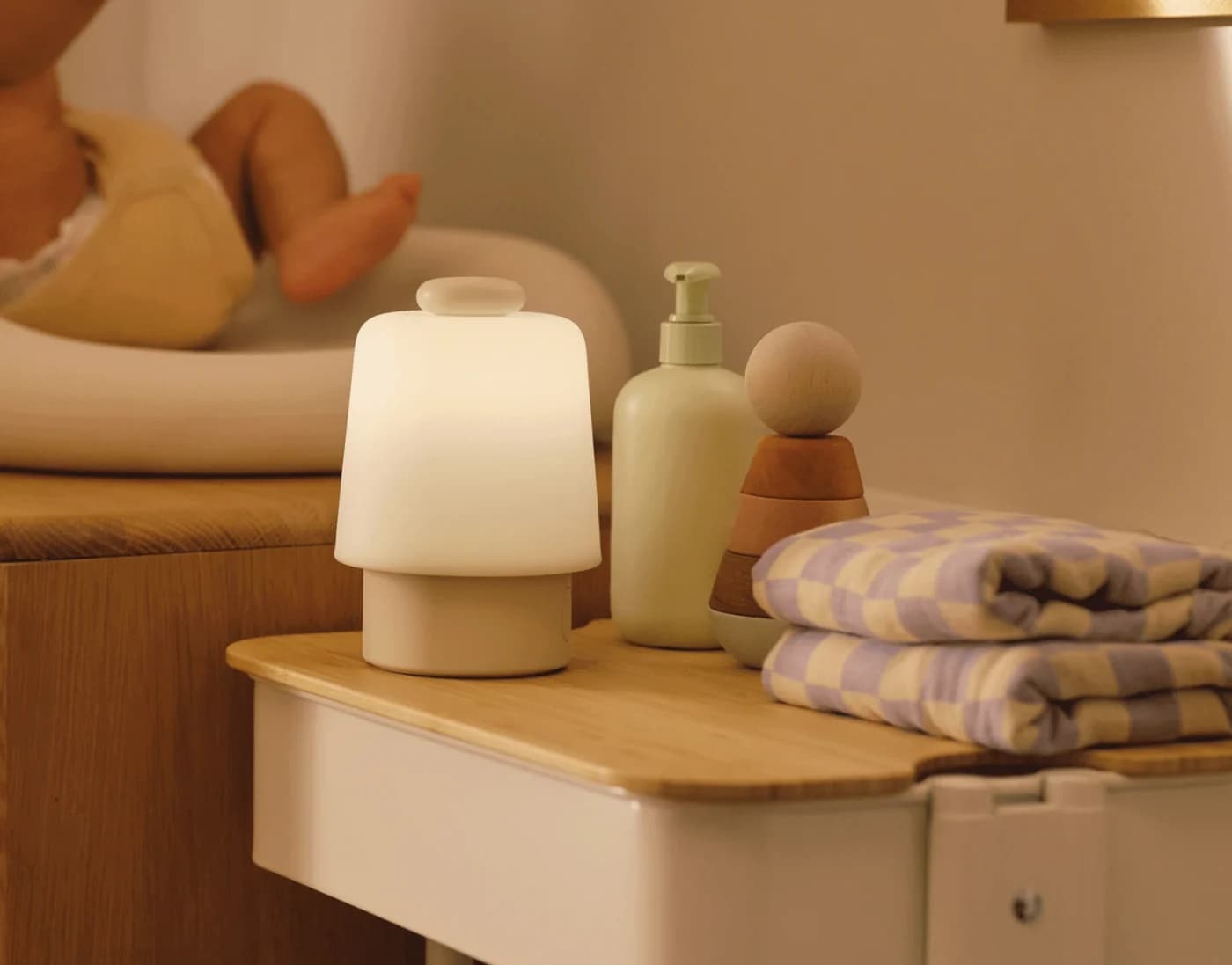
Choose for: Best nursery light with shared app control
Check before buying: Needs 2.4 GHz Wi-Fi and the Hatch app
- 2
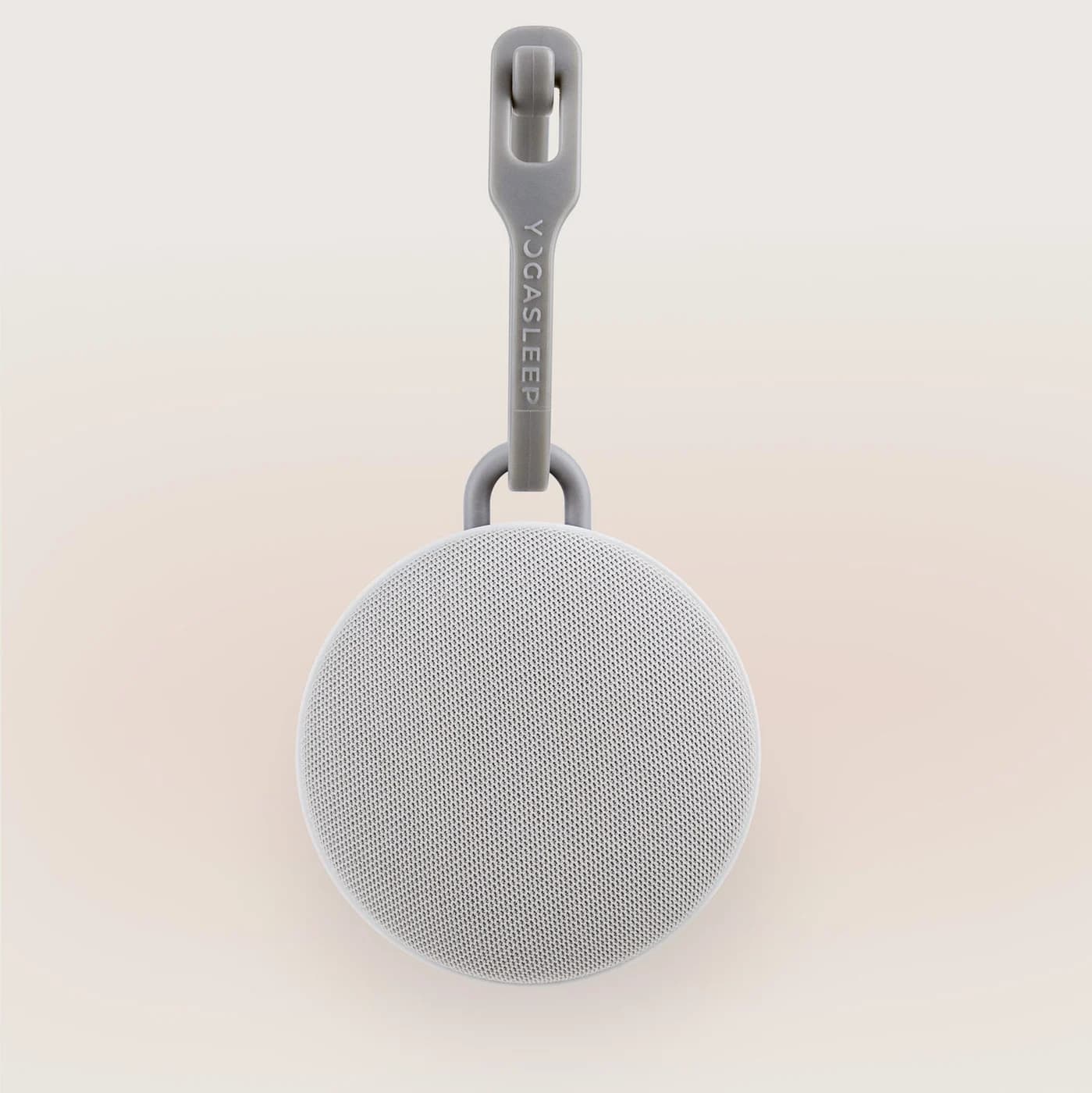
Choose for: Best portable controls with a night light
Check before buying: The maker doesn't say whether pink or brown noise is among the six
About this guide
thisHUSH covers comfort, quiet and air-quality gear, not health. Nothing on this site is medical advice: for sleep, breathing or hearing concerns, talk to a doctor.
For a nursery with a night light and shared app control, Hatch Baby is our top pick; choose Yogasleep Hushh 2 for portable buttons and light without a phone-based routine. For sound-focused alternatives, choose LectroFan Classic beside a powered USB outlet, or LectroFan Alpha for rechargeable operation with pink and brown noise.
The buying question is what another caregiver can operate at night: sound, volume, light, lock and power. We compared official specifications and instructions, checked November 2, 2026; these are research-based recommendations.
Quick picks: choose the caregiver workflow
- Hatch Baby — nursery light and shared app control. Configure favorites and schedules in the app, then use physical controls at the bedside. It needs external power.
- Yogasleep Hushh 2 — portable buttons and night light. Backlit controls, a toddler lock and rechargeable USB-C operation suit moving between rooms.
- LectroFan Classic — sound only by an outlet. Choose among digital fan sounds and white, pink and brown noise variations using local buttons.
- LectroFan Alpha — rechargeable sound-focused alternative. Pink and brown noise, fan sounds, a folding stand and a clip; fewer documented control features than Hushh 2.
For a broader travel shortlist, see our portable sound machines guide. For scheduled visual cues, use our OK-to-wake clocks comparison.
Compare controls, lights and power
“Not documented” means the reviewed instructions do not establish the feature. It should not be treated as a confirmed yes or no.
Hatch Baby
- Local controls and lock
- Press/turn top button; separate light controls; app enables Child Lock, with nightlight button still usable
- Light behavior
- Favorite/Schedule light can be off; separate soft white nightlight
- App and caregiver access
- App, registered owner and invited caregivers
All specifications
- Power and timer
- Plug-in; no battery; app schedules
Yogasleep Hushh 2
- Local controls and lock
- Backlit sound/volume/light buttons; toddler lock
- Light behavior
- Dimmable night light works independently of sound
- App and caregiver access
- Local controls; maker's comparison lists no Bluetooth
All specifications
- Power and timer
- USB-C rechargeable; auto-off at 30, 60 or 120 minutes
LectroFan Classic
- Local controls and lock
- Sound, volume, power and timer buttons; lock not documented
- Light behavior
- No night-light control listed
- App and caregiver access
- Local operation in owner's manual
All specifications
- Power and timer
- Powered USB, adapter supplied; continuous play or timer in 60-minute additions
LectroFan Alpha
- Local controls and lock
- Sound selector, volume and power; lock not documented
- Light behavior
- No night-light control listed; red charging indicator
- App and caregiver access
- Local operation in quick-start guide
All specifications
- Power and timer
- USB-C rechargeable; timer not documented
Full comparison table
Swipe to compare. Row labels stay visible.
| Machine | Local controls and lock | Light behavior | App and caregiver access | Power and timer |
|---|---|---|---|---|
| Hatch Baby | Press/turn top button; separate light controls; app enables Child Lock, with nightlight button still usable | Favorite/Schedule light can be off; separate soft white nightlight | App, registered owner and invited caregivers | Plug-in; no battery; app schedules |
| Yogasleep Hushh 2 | Backlit sound/volume/light buttons; toddler lock | Dimmable night light works independently of sound | Local controls; maker's comparison lists no Bluetooth | USB-C rechargeable; auto-off at 30, 60 or 120 minutes |
| LectroFan Classic | Sound, volume, power and timer buttons; lock not documented | No night-light control listed | Local operation in owner's manual | Powered USB, adapter supplied; continuous play or timer in 60-minute additions |
| LectroFan Alpha | Sound selector, volume and power; lock not documented | No night-light control listed; red charging indicator | Local operation in quick-start guide | USB-C rechargeable; timer not documented |
Scroll horizontally to see every column
| Machine | Local controls and lock | Light behavior | App and caregiver access | Power and timer |
|---|---|---|---|---|
| Hatch Baby | Press/turn top button; separate light controls; app enables Child Lock, with nightlight button still usable | Favorite/Schedule light can be off; separate soft white nightlight | App, registered owner and invited caregivers | Plug-in; no battery; app schedules |
| Yogasleep Hushh 2 | Backlit sound/volume/light buttons; toddler lock | Dimmable night light works independently of sound | Local controls; maker's comparison lists no Bluetooth | USB-C rechargeable; auto-off at 30, 60 or 120 minutes |
| LectroFan Classic | Sound, volume, power and timer buttons; lock not documented | No night-light control listed | Local operation in owner's manual | Powered USB, adapter supplied; continuous play or timer in 60-minute additions |
| LectroFan Alpha | Sound selector, volume and power; lock not documented | No night-light control listed; red charging indicator | Local operation in quick-start guide | USB-C rechargeable; timer not documented |
- Yes: Want shared remote control: Hatch documents caregiver invitations.
- Yes: Want illuminated local buttons: Hushh 2 documents backlit controls.
- Partly: Want a lock that disables every light button: Hatch's nightlight button remains usable.
- Partly: Want a timer on Alpha: the reviewed quick-start guide does not document one.
Best nursery light with shared app control: Hatch Baby
Choose it if configuring the room from an app is useful to you. The setup guide requires the Hatch Sleep app and Wi-Fi; the product specifications require 2.4 GHz Wi-Fi. This is a setup commitment to consider before adding it to a registry.
Hatch
Hatch's nursery sound machine and night light, the successor to the Hatch Rest, with a big top button, app control over Wi-Fi, Time-for-Bed and Time-to-Rise light cues and three months of Hatch+ included.
Check package and model options
After setup, the Big Button starts your first favorite, advances to the next with another press, adjusts volume when rotated and switches off with a long press. Separate buttons control nightlight and brightness. Child Lock is enabled in the app, but the nightlight button remains active.
The light guide distinguishes the light saved in a Favorite or Schedule from the quick-access soft white nightlight. Turn off Lights in a Favorite/Schedule for sound without that light. The original registered owner can invite up to four additional users; invitees use their own app accounts.
Subscription wrinkle: the product FAQ says basic lights, sounds and Time-for-Bed/Time-to-Rise cues remain without Hatch+. It puts dynamic lights among renewal features, while the light guide says they require no membership. The FAQ also says the included three months will not auto-renew, but Hatch's terms say an activated free trial converts to a paid subscription unless canceled. Check the actual activation screen; do not assume every trial has identical terms.
Skip it if battery operation is essential. Hatch explicitly confirms that Baby must stay plugged in and has no backup battery.
Best portable controls with a night light: Yogasleep Hushh 2
Choose it when another caregiver should be able to use the controls directly. Yogasleep documents backlit buttons, a toddler lock and a dimmable light that operates independently from sound. Its product page lists six sounds, including Dohm, white noise, nature sounds and melodies; pink and brown noise are not identified in that list.
Yogasleep
A clip-on rechargeable sound machine with six sounds, a timer, a dimmable night light and a toddler lock, made for strollers, bags and travel.
Check package and model options
- 6 sounds
The support overview rates it for up to 34 hours of continuous sounds per charge. That is a manufacturer rating, without a stated volume/light condition in the cited overview. The timer offers 30, 60 or 120 minutes before automatic shutoff. Check the timer before handing the machine to another caregiver.
USB-C recharging and the one-handed clip are documented. The reviewed collection page does not provide a charging-accessory inventory, so confirm the supplied cable and compatible wall adapter before gifting it. A USB-C port alone does not tell you what is in the box.
Buy the right version: Lunar Gray and Moonlit Blue are Hushh 2 colors. In Yogasleep's comparison, original Hushh has three sounds; Hushh 2 has six; Hushh+ has twenty and Bluetooth. The plus sign denotes a different model. The Hushh 2 column lists no Bluetooth.
Best sound-only choice by an outlet: LectroFan Classic
Choose it if you want local sound controls and already have a separate light. ASTI lists twenty non-repeating digital sounds: ten fan sounds and ten noise variations, including pink and brown. These are synthesized fan sounds, rather than a motor moving air. Its owner's manual shows sound, volume, power and timer buttons; no night-light control or button lock is documented.
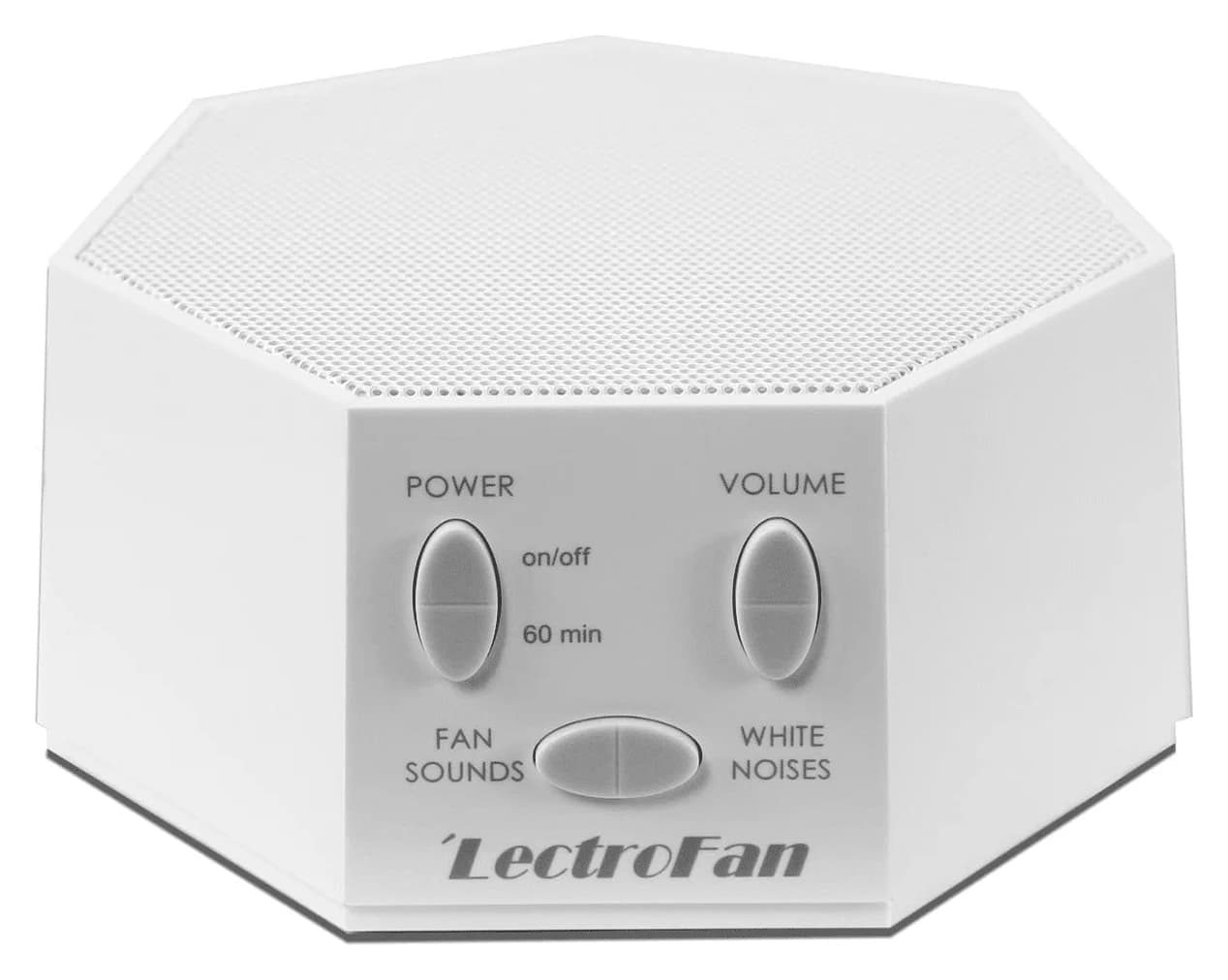
LectroFan
A compact digital sound machine from Adaptive Sound Technologies with 10 fan sounds and 10 non-repeating noise variations from brown through pink to white, powered over USB.
Check package and model options
- 20 sounds
The supplied USB cable and AC adapter power it from a wall outlet; ASTI also permits a powered USB port. It plays continuously by default. Each timer press adds 60 minutes, after which sound gradually shuts off. Save the chosen settings by turning it off with the power button: the manual says simply unplugging does not save them.
There is an easily missed power detail: the manual describes immediate playback when first plugged in as the default, with a procedure to disable it. That is power-on behavior, not battery operation or a promise of uninterrupted playback. We selected Classic here for its sound choices and buttons; a newer design is only useful if its added features match your needs.
Best rechargeable sound-focused alternative: LectroFan Alpha
Choose it for explicitly listed pink and brown noise in a rechargeable unit. ASTI's Alpha page lists seven main sounds: a heartbeat, two fans, pink noise, brown noise and two ocean sounds. It also documents a folding stand and a clip.
The quick-start guide identifies sound selection, volume and power controls. A timer, button lock and night-light control are not documented there. Its charging indicator glows red while charging and goes out when full, so “sound-focused” should not be read as “no indicator light.”
The guide specifies USB-A to USB-C charging and allows a standard USB-A adapter or PC USB port; charge for at least two hours before first use. That is an initial-use instruction, not a quoted full-charge time. The package list includes a cable and guide, with no wall adapter listed.
ASTI's Alpha page rates it for up to 40 hours per charge at normal volume. Choose Hushh 2 instead if a documented lock, timer and adjustable night light matter more than named noise colors.
See LectroFan Alpha at the maker
Battery operation is not automatic outage backup
Hushh 2 and Alpha document rechargeable operation. Their reviewed instructions do not promise seamless switchover from external power during an outage. Hatch Baby explicitly has no backup battery, while Classic documents external USB power.
For a practical outage plan, keep a portable machine charged and ready to start manually. Before relying on a particular charging arrangement, check that model's instructions for operation while connected to power; a battery rating does not establish every charging behavior.
Placement, volume and the registry handoff
Repeat the maker's instructions for the exact model. Hatch says to place Baby at least 3 feet from the baby's sleep space, ideally near the door, with cords out of reach and never perched on the crib. Its starting suggestions are 30% sound and 35% light, with a conversational check: you should be able to talk at arm's length without raising your voice. These are Hatch's recommendations, not transferable settings for the other machines.
For Hushh 2, Yogasleep's general placement advice is between the listener and the greatest noise source, adjusting volume in each location. That article does not give a model-specific nursery distance.
Alpha illustrates why manuals matter: its product page promotes crib attachment, but its quick-start guide says never place it in a crib, use adult supervision, choose an appropriate volume and keep the charging cable away from small children. Follow the manual rather than treating a clip as permission to put the device anywhere.
For a registry or holiday gift, make the handoff concrete:
Confirm the model
Hatch Baby and Hatch Rest have different hardware; Hushh, Hushh 2 and Hushh+ have different feature sets.
Prepare its power
Hatch's setup includes an adapter; Classic lists a USB cable and adapter; Alpha lists a charging cable. Confirm Hushh 2's supplied charging accessories.
Set up the controls
Configure Hatch with the recipient's account and invite caregivers. Demonstrate physical volume, light, timer and any lock controls on the chosen model.
Read placement instructions
Use the exact model's manual; keep Hatch's cord out of reach and follow Alpha's instruction never to place it in a crib.
How we choose
We researched official product pages, support instructions and manuals, prioritizing caregiver controls, light behavior, shared access and power. Recommendations reflect those documents; we have not physically evaluated these products or compared their sound quality or battery endurance. Missing features stay labeled as undocumented, and conflicting Hatch subscription/light descriptions are called out above.
One further connectivity conflict: Hatch's product page advertises Bluetooth backup, while its connection support article describes Bluetooth as registration-only before Wi-Fi operation. We therefore do not recommend Baby on a promise of offline app control.
For a wider sound shortlist, see best white noise machines; our selection method explains the editorial approach.
Verdict
Get Hatch Baby for shared app control and flexible lighting, Hushh 2 for portable buttons and light, Classic for a sound-only setup with external power, or Alpha for rechargeable pink and brown noise. Choose by the controls the next caregiver will actually use, then confirm the exact model and power accessories.
Frequently asked questions
What is the best sound machine for a baby nursery?
Our pick is Hatch Baby when you want a night light, app favorites and shared caregiver access. Choose Yogasleep Hushh 2 for portable operation with backlit buttons and a toddler lock. For a sound-focused alternative, LectroFan Classic offers twenty digital sounds from powered USB; LectroFan Alpha is rechargeable and explicitly includes pink and brown noise. These recommendations compare published features.
Does Hatch Baby require an app or a subscription?
Setup requires the Hatch Sleep app and Wi-Fi; Hatch specifies a 2.4 GHz connection. Once configured, its physical controls start favorites, adjust volume and operate the night light. Hatch says basic sounds, lights and Time-for-Bed and Time-to-Rise cues remain available without Hatch+. Its product FAQ and terms differ on trial renewal, so check the offer you activate.
Does a rechargeable baby sound machine provide automatic outage backup?
Battery operation alone does not establish automatic switchover when mains power fails. Hushh 2 and LectroFan Alpha document rechargeable operation, but the reviewed sources do not promise seamless outage backup. Hatch explicitly says Baby needs to stay plugged in and has no backup battery. For an outage plan, keep a charged portable machine ready to start manually.
Can the sound play with the night light turned off?
Hatch's light guide says you can switch Lights off when configuring a Favorite or Schedule. Yogasleep says the Hushh 2 night light works independently of its sound, so they can be used together or separately. Neither feature means every status indicator is extinguished: Alpha's guide, for example, documents a red charging indicator. Check the particular light that matters to you.
Related guides
Comparison · White Noise Machines
SNOOZ Pro vs Yogasleep Dohm Classic: Fan Sound, Controls and Power
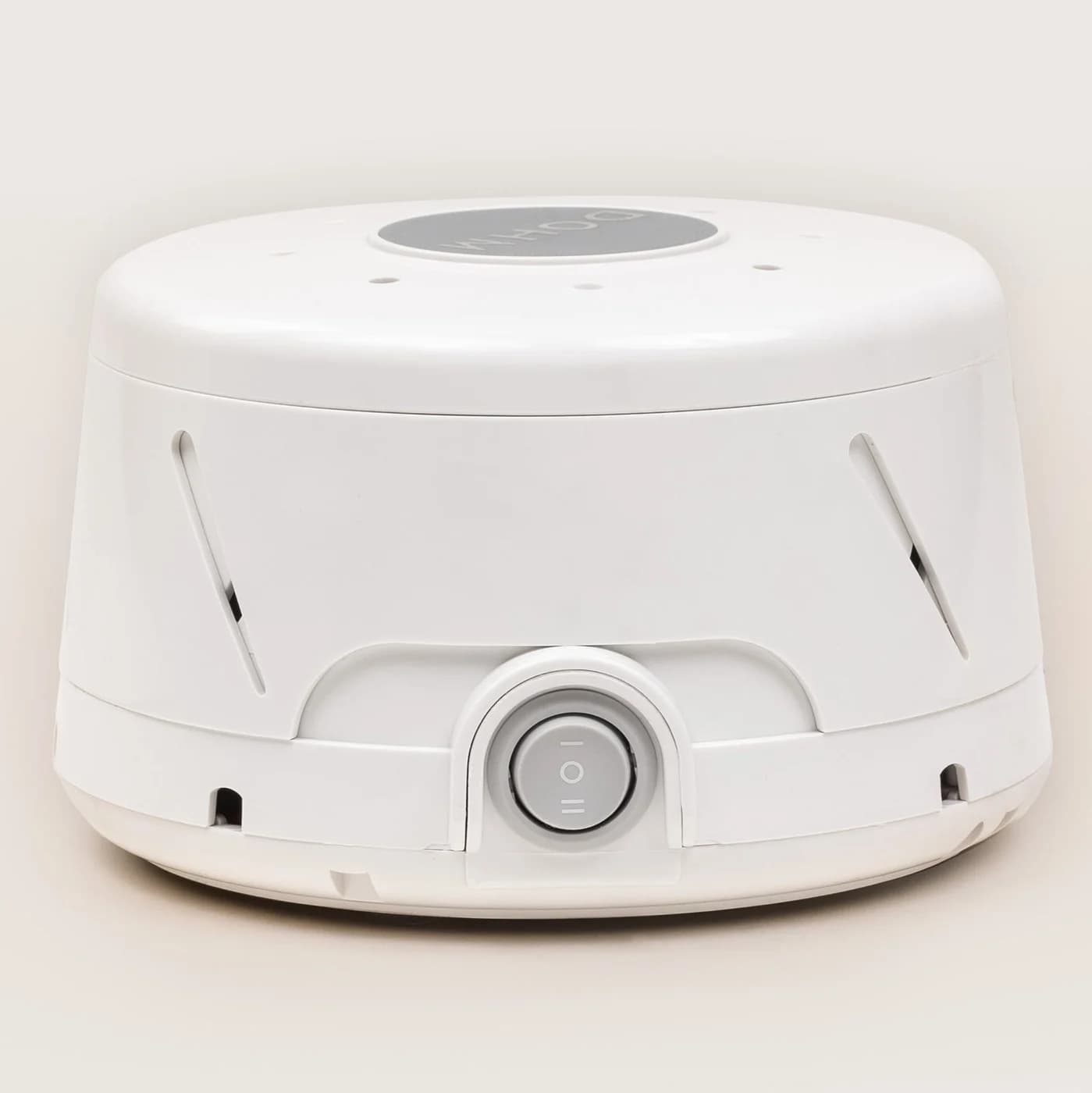
Compare SNOOZ Pro and Yogasleep Dohm Classic fan controls, app schedules, power and placement, with picks and a LectroFan alternative for more sound choices.
Comparison · White Noise Machines
SNOOZ Breez 2 vs SNOOZ Pro: Airflow, Sound and Winter Use
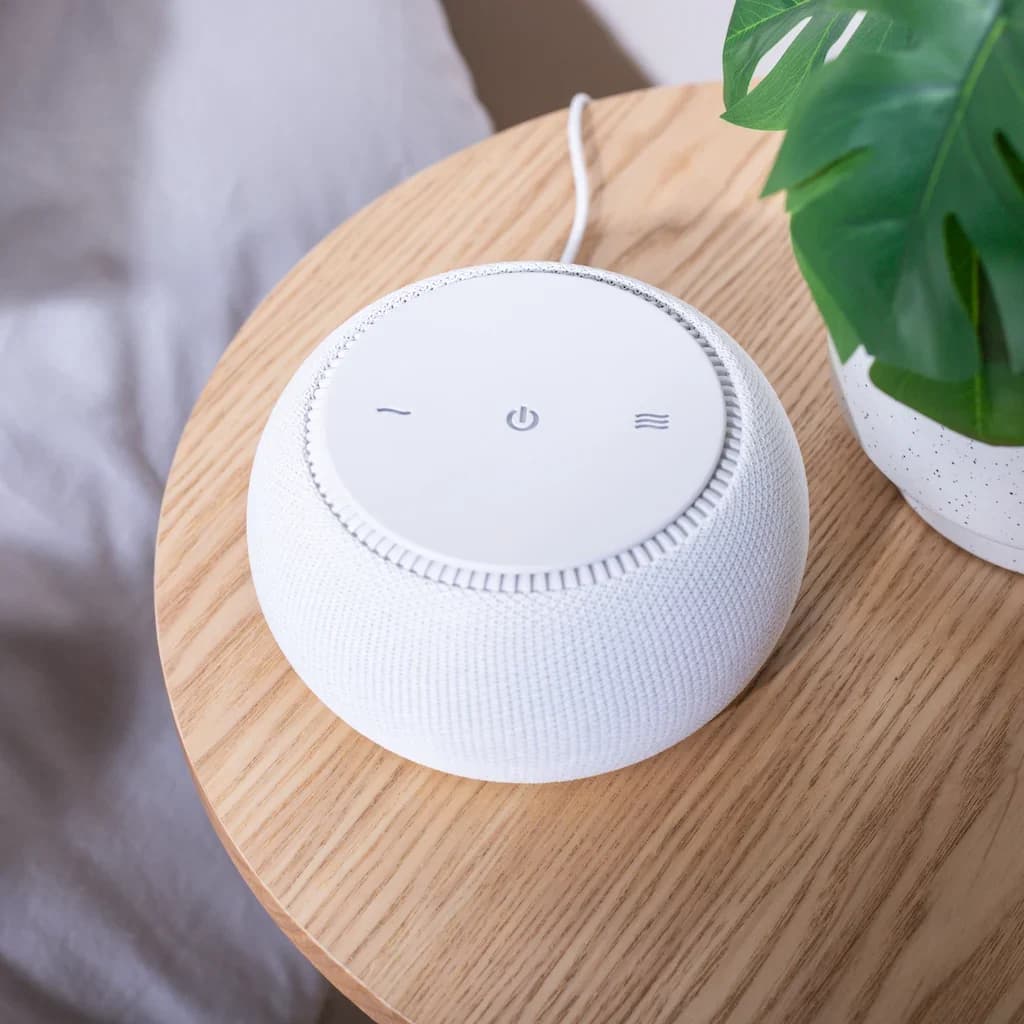
Choose SNOOZ Breez 2 for airflow plus real fan sound, or SNOOZ Pro for sound alone. Compare winter settings, controls, size, power and generation checks.
Best picks · White Noise Machines
Best Sound Machines for Office Privacy: Picks, Placement and Limits
Choose an office sound machine by sound, controls and power. Compare LectroFan, Dohm and SNOOZ, with placement advice and limits on speech confidentiality.