

Comparison
LectroFan Classic vs EVO
Sounds, Audio Jack, Timers and Power
Compare LectroFan Classic vs EVO for brown noise, wired headphones, ocean sounds, timer limits and USB power. Choose the right bedside model or keep yours.
By thisHUSH EditorialUpdated November 3, 20268 min read1 pick
Our recommendation: LectroFan Classic
Built-in white, pink and brown noise plus fan sounds, with physical controls.
Limit: No battery: it needs an outlet or a powered USB port.
On this page · Our picks at a glance
Our picks at a glance
- 1
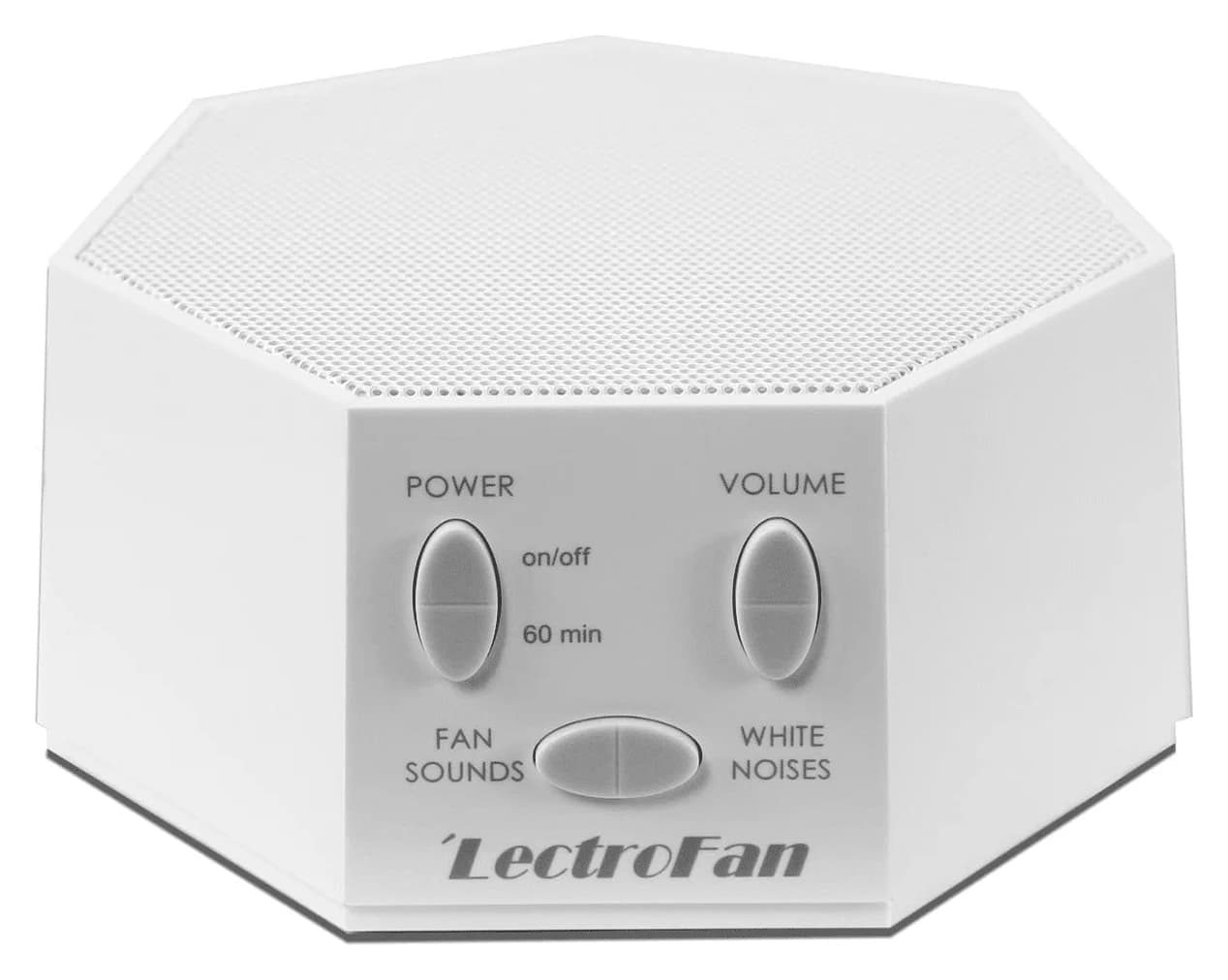
Choose for: Built-in white, pink and brown noise plus fan sounds, with physical controls.
Limit: No battery: it needs an outlet or a powered USB port.
About this guide
thisHUSH covers comfort, quiet and air-quality gear, not health. Nothing on this site is medical advice: for sleep, breathing or hearing concerns, talk to a doctor.
For a new bedside machine, choose LectroFan EVO if you want wired headphones or a pillow speaker, ocean sounds, or controls on top. Keep or choose LectroFan Classic if you only want physical controls for fan and noise sounds: EVO does not add a new brown-noise library. Both offer ten fan sounds and ten noise variations including pink and brown; EVO adds two ocean sounds, bringing the total from 20 to 22, according to ASTI's model comparison.
- 20Classic sounds: ten fan sounds and ten noise variations
- 22EVO sounds: the same core choices plus two ocean sounds
Quick picks
- Choose EVO for wired listening: its analog audio output is the decisive addition for a pillow speaker or headphones. Confirm the receiving device's connector before ordering.
- Choose Classic for its core sound choices: it already includes fan, white, pink and brown noise. We would keep a working Classic unless an EVO addition solves a specific problem.
- Choose EVO for access from above: ASTI moved the control panel to the top. That is a useful reason to prefer it if you dislike reaching toward a bedside machine's front.
Neither recommendation is a speaker-quality ranking. This comparison is based on maker documentation, without a listening trial or comparable loudness measurements.
Classic vs EVO at a glance
Compare specifications and all conditions
LectroFan Classic
- Sound choices
- 20: ten fan sounds and ten noise variations
- Pink and brown noise
- Included
- Audio output
- No jack listed; ASTI identifies it as an EVO addition
All specifications
- Physical operation
- Fan, noise, volume, power and timer buttons
- Continuous play
- Yes, unless the timer is set
- Timer
- Adds 60 minutes per press; no duration limit per Classic FAQ
- USB connection
- Power only, using adapter or powered USB port
- Published size
- 4.4 × 4.4 × 2.2 inches
LectroFan EVO
- Sound choices
- 22: ten fan sounds, ten noise variations, Ocean and Surf
- Pink and brown noise
- Included; same core sounds as Classic
- Audio output
- 3.5 mm analog output for compatible external audio devices
All specifications
- Physical operation
- Fan, noise, volume, power and timer buttons; panel on top
- Continuous play
- Yes, unless the timer is set
- Timer
- Adds one hour per press; eight-hour maximum
- USB connection
- Power only, using adapter, PC or powered USB hub
- Published size
- Conflicting size entries on the maker's page; see below
Full comparison table
Swipe to compare. Row labels stay visible.
| Feature | LectroFan Classic | LectroFan EVO |
|---|---|---|
| Sound choices | 20: ten fan sounds and ten noise variations | 22: ten fan sounds, ten noise variations, Ocean and Surf |
| Pink and brown noise | Included | Included; same core sounds as Classic |
| Audio output | No jack listed; ASTI identifies it as an EVO addition | 3.5 mm analog output for compatible external audio devices |
| Physical operation | Fan, noise, volume, power and timer buttons | Fan, noise, volume, power and timer buttons; panel on top |
| Continuous play | Yes, unless the timer is set | Yes, unless the timer is set |
| Timer | Adds 60 minutes per press; no duration limit per Classic FAQ | Adds one hour per press; eight-hour maximum |
| USB connection | Power only, using adapter or powered USB port | Power only, using adapter, PC or powered USB hub |
| Published size | 4.4 × 4.4 × 2.2 inches | Conflicting size entries on the maker's page; see below |
Scroll horizontally to see every column
| Feature | LectroFan Classic | LectroFan EVO |
|---|---|---|
| Sound choices | 20: ten fan sounds and ten noise variations | 22: ten fan sounds, ten noise variations, Ocean and Surf |
| Pink and brown noise | Included | Included; same core sounds as Classic |
| Audio output | No jack listed; ASTI identifies it as an EVO addition | 3.5 mm analog output for compatible external audio devices |
| Physical operation | Fan, noise, volume, power and timer buttons | Fan, noise, volume, power and timer buttons; panel on top |
| Continuous play | Yes, unless the timer is set | Yes, unless the timer is set |
| Timer | Adds 60 minutes per press; no duration limit per Classic FAQ | Adds one hour per press; eight-hour maximum |
| USB connection | Power only, using adapter or powered USB port | Power only, using adapter, PC or powered USB hub |
| Published size | 4.4 × 4.4 × 2.2 inches | Conflicting size entries on the maker's page; see below |
Sources: Classic product page, Classic manual, EVO manual and the separate Classic and EVO sections of ASTI's FAQ.
Best for fan and noise sounds alone: LectroFan Classic
The Classic is our pick when you want to select a sound, adjust its volume and leave it playing. ASTI describes its fan and noise sounds as digitally synthesized and non-looping; these are electronic fan sounds rather than air from a mechanical fan. It already offers the twenty core choices that ASTI says EVO retains. (LectroFan range)
LectroFan
A compact digital sound machine from Adaptive Sound Technologies with 10 fan sounds and 10 non-repeating noise variations from brown through pink to white, powered over USB.
Check package and model options
- 20 sounds
The Classic manual shows separate fan and noise buttons, volume up/down, power and timer controls. Its setup uses a USB cable and power adapter, with a PC or laptop also allowed as a power source. There is no phone setup step in that procedure. For someone who wants physical sound controls, that is already the relevant functionality; buying EVO is a choice about its specific additions.
One useful ownership detail: switch Classic off with its power button after changing settings. The manual says settings are saved that way, but not by simply unplugging it. Remember this before putting it on a switched power strip.
Best for wired listening and ocean sounds: LectroFan EVO
EVO is our more flexible pick for a new buyer who expects to use its audio output or surf choices. ASTI documents a top-mounted control panel and an angled speaker grille, alongside the same core fan and noise sounds. Those changes do not establish that its speaker sounds better; we would choose it for the features you will actually use. (Maker comparison)
The EVO manual puts Ocean and Surf after the ten noise variations, reached with the noise button. It also lets you browse sounds backward by holding the noise or fan button for three seconds. That can be useful when you overshoot a favorite. Like Classic, EVO saves settings when switched off with its power button, rather than by disconnecting power.
See LectroFan EVO at the maker
Sounds: brown noise is not an EVO exclusive
You do not need EVO just to get brown noise. The Classic page explicitly includes pink and brown among its noise variations, and ASTI's range page says EVO has the same twenty core sounds plus two surf sounds. We would not replace Classic solely to gain more fan or colored-noise choices.
EVO's manual names the extra options Ocean and Surf; its noise list starts with Brown. Do not mistake the manual's twelve noise-button choices for twelve colored noises: that bank includes the two ocean choices. Our white vs pink vs brown noise guide explains noise colors if you are still deciding what sort of sound you want.
EVO audio jack: check the receiving device
EVO's side connection is a 3.5 mm analog output, not an audio input. Its manual supports a pillow speaker, portable speaker or headphones, while ASTI's audio-jack FAQ specifies a powered portable speaker or a device with a line-level 3.5 mm input. The manual says an external speaker connection turns off EVO's built-in speaker.
- Yes: Wired headphones with a compatible 3.5 mm plug
- Yes: Pillow speaker with a compatible analog connection
- Yes: Powered portable speaker with a line-level 3.5 mm input
- No: Feeding phone audio into EVO through this output jack
For a gift, ask the recipient to identify their actual listening device before choosing the machine. A headphone-shaped icon is not enough to establish compatibility: match the wired plug and input to the documented connection. Do not assume this jack pairs with wireless earbuds. ASTI documents wired analog output here; Bluetooth-only listening is not established by these instructions.
Timers and volume: different limits, same continuous option
The Classic timer starts at 60 minutes, with another 60 minutes added for each press; its FAQ says there is no duration limit. EVO adds one hour per press and stops at eight hours, confirmed by both its FAQ and manual. Neither requires a timer: both manuals describe continuous play until you choose otherwise.
On EVO, a rising tone acknowledges the timer and a falling tone signals its maximum; turning it off and on cancels the timer. Classic acknowledges a timer press with a dip in the sound. Count presses deliberately rather than borrowing instructions from the other model's FAQ.
Both manuals show volume up/down controls, but these documents do not provide comparable speaker measurements for a louder-or-quieter verdict. Choose on controls and connections rather than assuming a larger model name means a better masking result.
Power, dimensions and travel checks
Both manuals describe USB power, not USB audio. EVO explicitly needs a connected power source and permits the supplied adapter, a PC or a powered USB hub. Its power receptacle is underneath; the side jack is audio output, as ASTI's EVO power FAQ explains. Route the power cable before judging how conveniently it fits your nightstand.
The maker's Classic page lists 110 V AC, USB, while its international-power FAQ says included AC supplies accept 100–240 V, 50–60 Hz. Check the actual adapter's input label before travel. ASTI says the standard supply has a North American two-blade plug, so a compatible voltage rating does not remove the need to check the destination's socket.
Both manuals also contain a generic safety line mentioning AA batteries, although their setup sections describe USB power and EVO expressly requires a connected source. Do not use that isolated line as evidence of battery operation. For cordless use, start with our portable sound-machine guide: the separate Micro2 product page describes a built-in battery and Bluetooth streaming. ASTI's range page now calls its travel option Micro2+; match the exact generation before ordering.
Buying guide: variants and a gift-listing checklist
For EVO, ASTI's product-page variant data identifies White as ASM1020-WW and Black as ASM1020-KK. Match that color suffix as well as the EVO name. A Classic listing is not an EVO color variant, and the separate portable Micro2 family should not be substituted just because it also says LectroFan.
Check the package, too. EVO's product page lists only “AC adapter” under package contents, whereas its manual names the guide, adapter and USB cable accompanying the machine. Confirm a complete machine with its matching power cable and adapter before buying a gift. ASTI separately describes a LectroFan Global Power Edition with US, EU and UK plug adapters; do not assume that kit comes with standard EVO.
Match model and color
For EVO, compare the ASM1020 color suffix with the selected version.
Confirm a complete unit
Check for the machine, matching USB cable and AC adapter in the package description.
Check the destination plug
Match the included power supply to the recipient's outlet before wrapping it.
Use the same checks on a holiday listing. Decide whether the recipient needs external audio, and verify the exact model and included parts before following a promotion. For alternatives beyond this pair, our best white noise machines compares other machine types.
How we choose
We compare official product pages, model-specific manuals, variant data and FAQs. We prioritize documented connections, sound choices, controls and power requirements over promotional descriptions. Conflicting maker entries remain visible instead of becoming a guessed specification. This is a document-based recommendation; we have no listening results or measured speaker comparison to add. Read our full selection method.
Verdict
Get EVO for its wired audio output, Ocean and Surf, or top-mounted controls. Keep Classic if its existing fan and noise choices are all you need. Brown noise is available on both, and neither needs its optional timer enabled for continuous play. For a gift, the right connection and complete power kit matter more than the word “EVO.”
Frequently asked questions
Is LectroFan EVO worth upgrading from Classic?
Upgrade if you want its wired audio output, Ocean and Surf sounds, or controls on top. ASTI says EVO shares Classic's twenty core fan and noise sounds, so brown noise alone is no reason to replace a working Classic. We would keep the Classic when its built-in speaker and existing sound choices already suit the recipient.
Do LectroFan Classic and EVO both have brown noise?
Yes. ASTI lists pink and brown noise among Classic's ten noise variations and says EVO has the same core sounds. EVO adds Ocean and Surf rather than a separate brown-noise library. Its manual places Brown first in the noise sequence. Choose between these models by audio connection, controls and timer behavior rather than assuming only EVO offers brown noise.
Can I plug headphones or a pillow speaker into LectroFan EVO?
Yes. EVO has a 3.5 mm analog audio output for headphones, a pillow speaker or a compatible portable speaker. ASTI's FAQ specifies a powered speaker or a device with a line-level 3.5 mm input. The manual says connecting an external speaker turns off the built-in speaker. Check the actual wired connector before buying; the documented connection is analog audio output.
Does LectroFan EVO turn off after eight hours?
Only when you set its optional timer to that duration. The manual says EVO plays continuously otherwise. Each timer press adds one hour, up to eight hours; turn the machine off and on to cancel. Classic also defaults to continuous play, but adds sixty minutes per press and its separate FAQ says there is no timer-duration limit.
Can LectroFan Classic or EVO play audio over USB?
No. Both owner's manuals identify USB as a power connection rather than USB audio. Classic can run from its included USB adapter or a powered USB port; EVO's manual also lists a PC or powered USB hub. EVO's separate side socket sends analog audio out. Do not buy either expecting a USB connection to play a computer's music through its speaker.
LectroFan Classic
AmazonRelated guides
Comparison · White Noise Machines
Yogasleep Dohm Classic vs Uno: Controls, Sound and Power
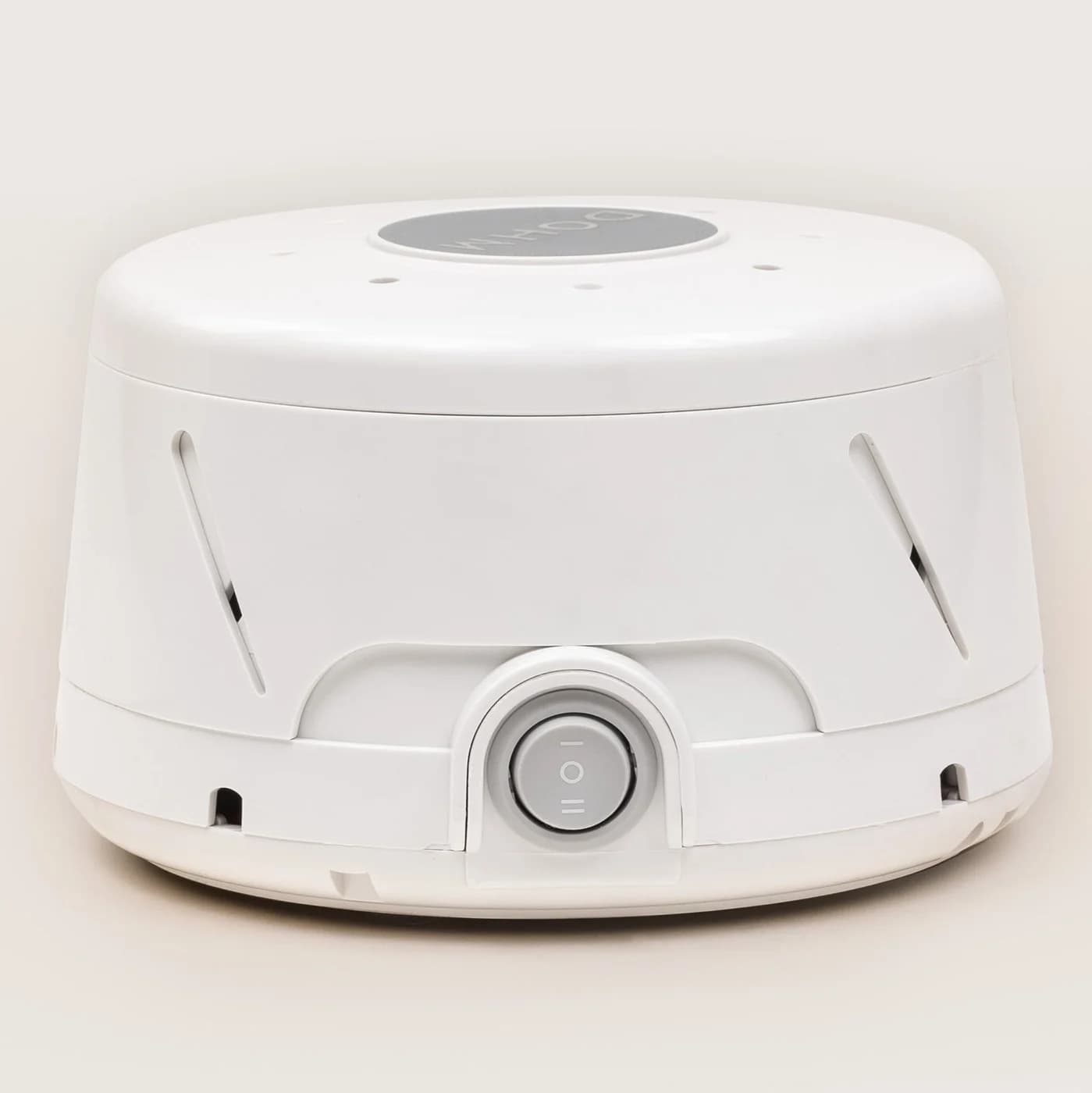
Choose between Yogasleep Dohm Classic and Uno with a comparison of fan speeds, tone controls, US power, placement and what to check before giving one as a gift.
Comparison · White Noise Machines
SNOOZ Breez 2 vs SNOOZ Pro: Airflow, Sound and Winter Use
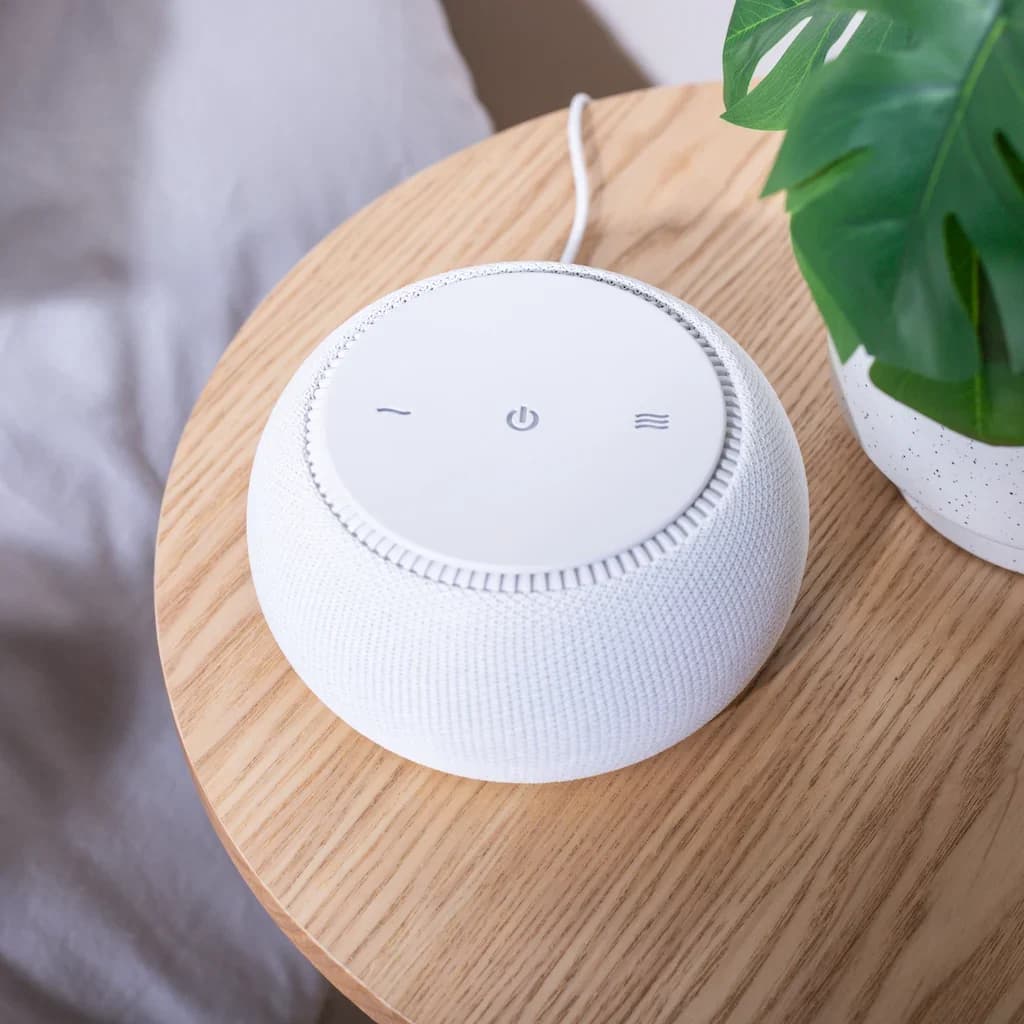
Choose SNOOZ Breez 2 for airflow plus real fan sound, or SNOOZ Pro for sound alone. Compare winter settings, controls, size, power and generation checks.
Best picks · White Noise Machines
Best Sound Machines for Office Privacy: Picks, Placement and Limits
Choose an office sound machine by sound, controls and power. Compare LectroFan, Dohm and SNOOZ, with placement advice and limits on speech confidentiality.